
Smart Home Down After a Power Cut?
Power outages wreak havoc on smart home systems. Crestron, Lutron, and Control4 all handle power recovery differently — and sometimes they need an engineer to bring everything back online properly.


Sound familiar?
The power's back on, but your smart home isn't. Some lights work manually but not from the app. The heating's stuck. The touchscreen is showing an error. It's incredibly frustrating — especially when everything was fine before the outage.
Lights respond to wall switches but not keypads or the app
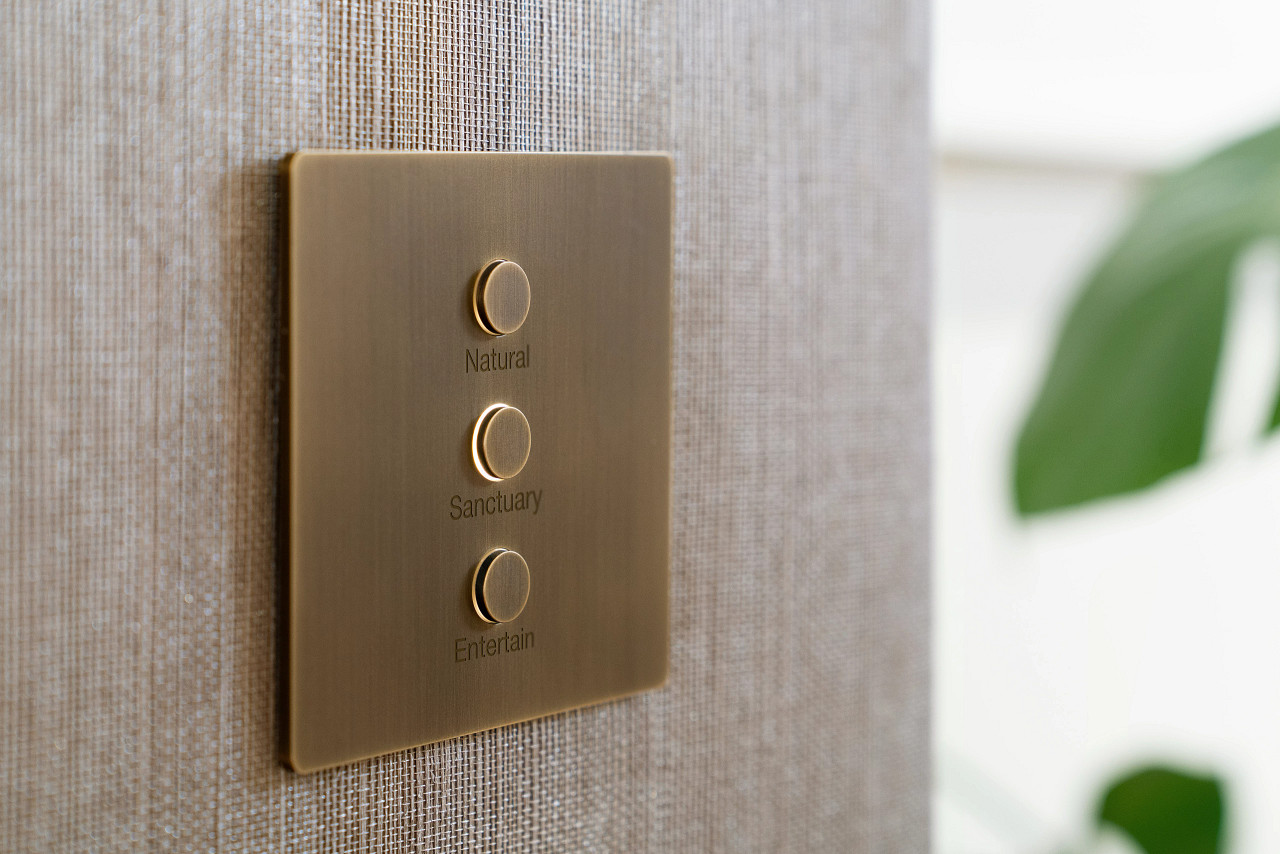
The power's restored but your Lutron keypads don't trigger scenes, your Crestron touchscreen shows devices as offline, or your Control4 app can't find the controller. The automation layer hasn't recovered.
The processor or controller hasn't rebooted properly
Crestron processors store programming in NVRAM but need a clean boot sequence to reload. Control4 controllers can get stuck in a recovery loop. Lutron QSX processors may lose their network connection if DHCP assignments have shifted.
Heating or cooling is stuck in the wrong mode
Your HVAC integration has lost its schedule or defaulted to a failsafe state. The smart thermostat shows the wrong time, or the system is running heating and cooling simultaneously because the automation logic didn't restart.
Motorised blinds have lost their position limits
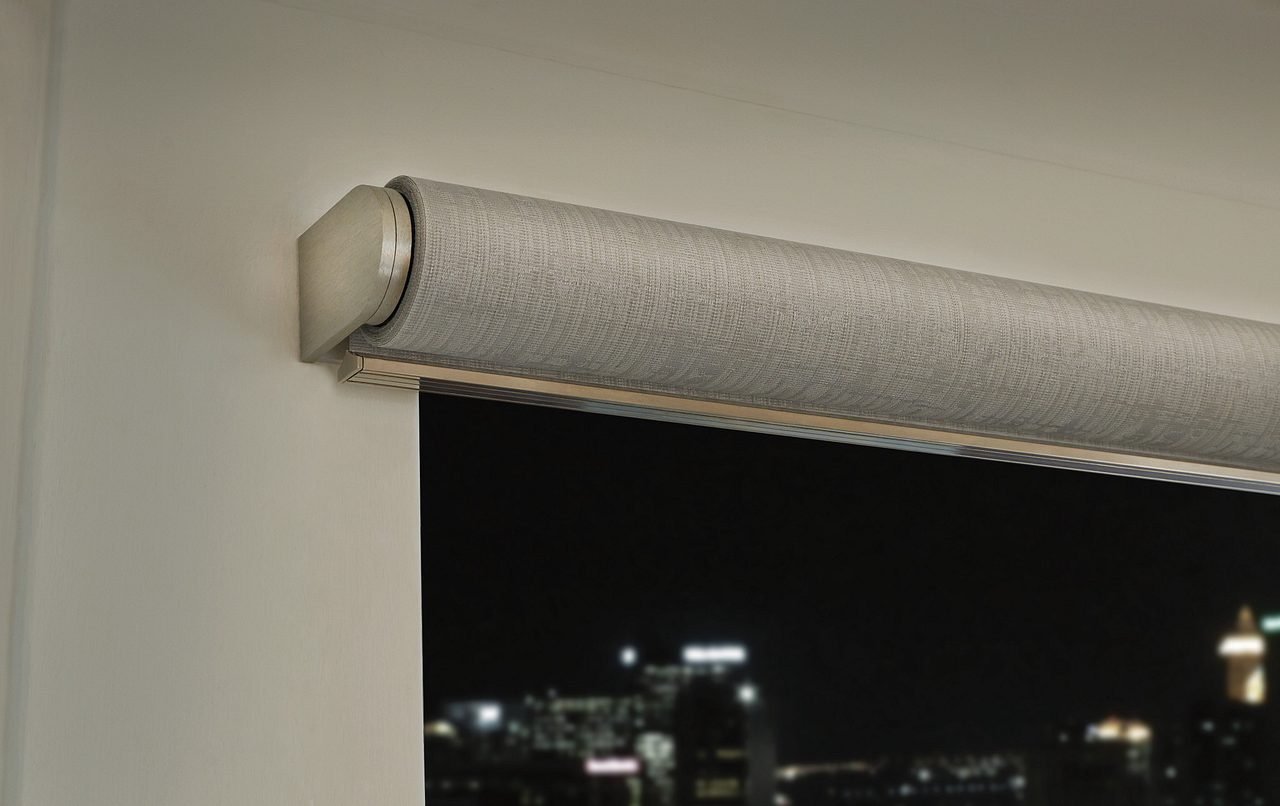
After a power cut, motorised blinds and curtains often lose their calibrated end stops. They may stop short, overrun, or refuse to move at all until an engineer recalibrates the motor limits.
AV equipment powered up in the wrong order
Without proper power sequencing, amplifiers, projectors, and AV receivers can boot before the control processor is ready. This causes communication failures that persist until the entire rack is power-cycled in the correct order.
Network equipment came back before the processor
Routers, switches, and wireless access points often boot faster than smart home processors. If the processor requests an IP address before the network is fully ready, it can end up with no connection — even though everything else is online.
How We Fix It
Each platform recovers from power loss differently. We know exactly what to check for Crestron, Lutron, and Control4.
Describe What Happened
Tell us which system you have (or describe your keypads and touchscreens — we'll identify it), how long the power was out, and what's not working now. This helps us prepare the right approach before we connect.
Remote Power Recovery Check
If your network is up, we can often remote into the processor to check boot logs, device communication status, and IP assignments. For Crestron systems, we verify the programme loaded from NVRAM. For Control4, we check the controller isn't in recovery mode. For Lutron, we confirm processor-to-repeater links are active.
On-Site Sequenced Restart
If remote access isn't possible, our engineer performs a controlled power-down of the entire rack and brings everything back online in the correct sequence — network first, then processors, then end devices. This resolves the majority of post-power-cut faults.
Protection for Next Time
We recommend and install UPS (uninterruptible power supply) units for your AV rack, configure proper boot delays on power sequencers, and set static IP reservations so your system recovers cleanly from any future outage.
Power Cut Knocked Out Your Smart Home?
Free initial assessment. No obligation. Most issues resolved in a single visit.
Frequently Asked Questions
Power Cut Knocked Out Your Smart Home?
Free initial assessment. No obligation. Most issues resolved in a single visit.
Prefer to call? 020 3819 7000