
Smart Home Down After a Router or Broadband Change?
Swapping your router or changing broadband provider is one of the most common reasons smart home systems stop working. Crestron, Lutron, and Control4 all depend on specific network settings — and a new router resets the lot. The good news: it's completely fixable.


Sound familiar?
You upgraded your broadband or your ISP sent a new router, and now your smart home has fallen apart. The Wi-Fi works fine for phones and laptops, but your lighting, heating, and AV control have stopped responding. This is one of the most common calls we get — and one of the most straightforward to fix.
The app can't find your system any more
Your Control4 app says 'No Systems Found,' your Crestron Home app won't connect, or your Lutron app has lost the processor. The new router has assigned different IP addresses to everything, and the app doesn't know where to look.
Keypads and wall switches still work but nothing else does
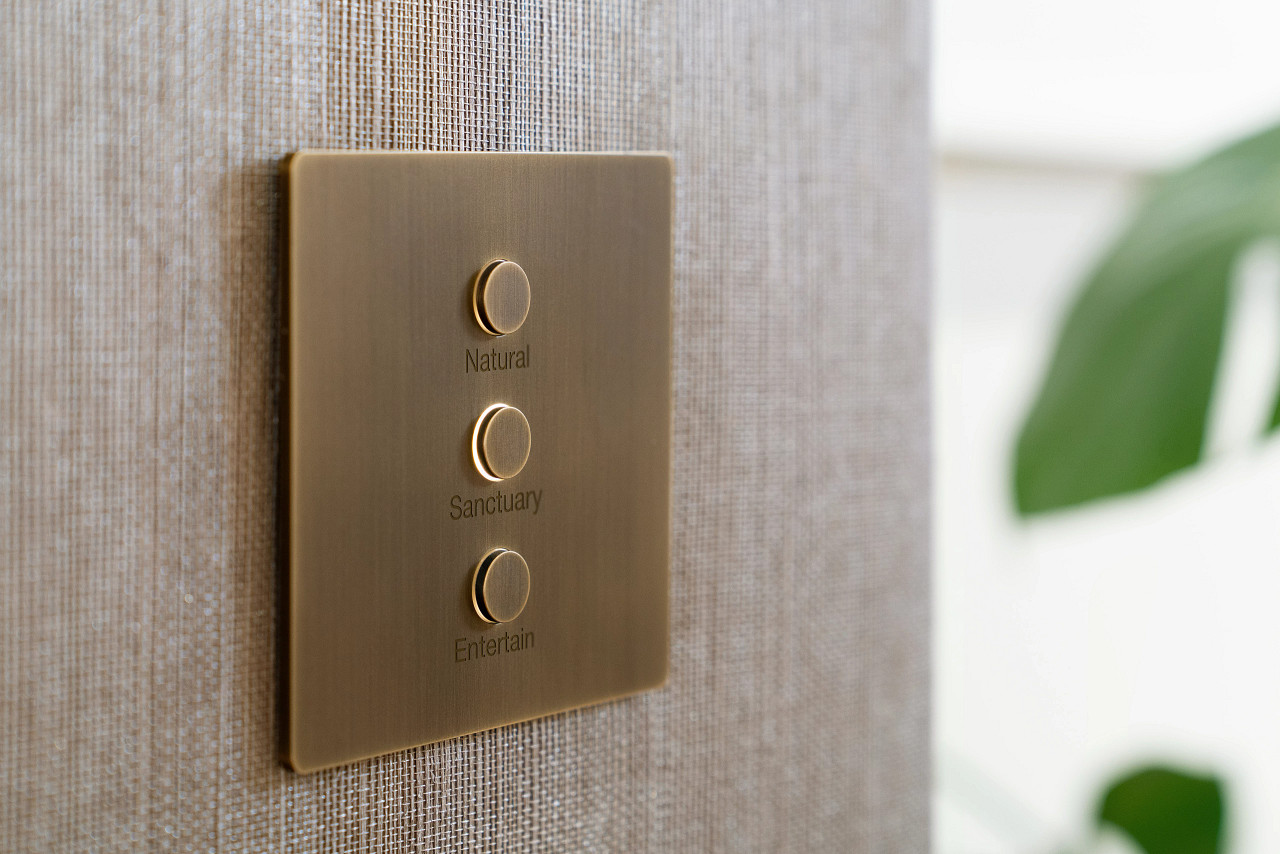
Lutron keypads communicate via radio frequency directly to the processor, so they often keep working. But anything that relies on the network — apps, touchscreens, voice control, remote access — is broken because the network has changed.
Voice control and smart speakers have disconnected
Alexa and Google Home integrations link to your smart home system via the network. A new router means new network credentials, and every integration needs to be re-established — from Alexa skills to Google Home device links.
Remote access no longer works
You could control your home from your phone when you were away, but now it's dead. Remote access relies on specific port forwarding rules or cloud relay settings that were configured on your old router and don't exist on the new one.
Some devices work but others have dropped off
Your system is partially functional — maybe the main rooms work but not the bedrooms, or the lighting is fine but AV won't respond. Devices with static IPs on the old subnet can't communicate on the new one.
The broadband engineer said everything looks fine
It does — from their perspective. Your internet connection is working. But your smart home system needs much more than just internet: it needs the right subnet, the right IP reservations, the right VLAN configuration, and specific ports open. The broadband engineer doesn't configure any of that.
How We Fix It
We reconfigure your smart home system to work perfectly with your new network — and make it resilient to future changes.
Tell Us What Changed
Let us know which broadband provider you've moved to, whether you have a new router, and which parts of your smart home have stopped working. If you know your system brand (Crestron, Lutron, or Control4), that helps — but we can identify it from a photo of your keypad or rack.
Network Assessment
We map your current network setup — router model, subnet, DHCP range, and any managed switches or wireless access points. Then we identify exactly what your smart home system needs: static IP reservations, VLAN settings, multicast support, and port forwarding rules.
Reconfigure & Reconnect
We update the IP addresses on your Crestron processor, Lutron QSX, or Control4 controller to match the new network. We re-establish device communication, restore app connectivity, reconfigure remote access, and re-link voice control integrations.
Future-Proof Your Setup
We set DHCP reservations for every device so IP addresses don't change again, document your network configuration, and provide you with a simple reference sheet. If you ever change routers again, the transition will be much smoother.
Changed Your Router and Lost Your Smart Home?
Free initial assessment. No obligation. Most issues resolved in a single visit.
Frequently Asked Questions
Changed Your Router and Lost Your Smart Home?
Free initial assessment. No obligation. Most issues resolved in a single visit.
Prefer to call? 020 3819 7000